gguf-server
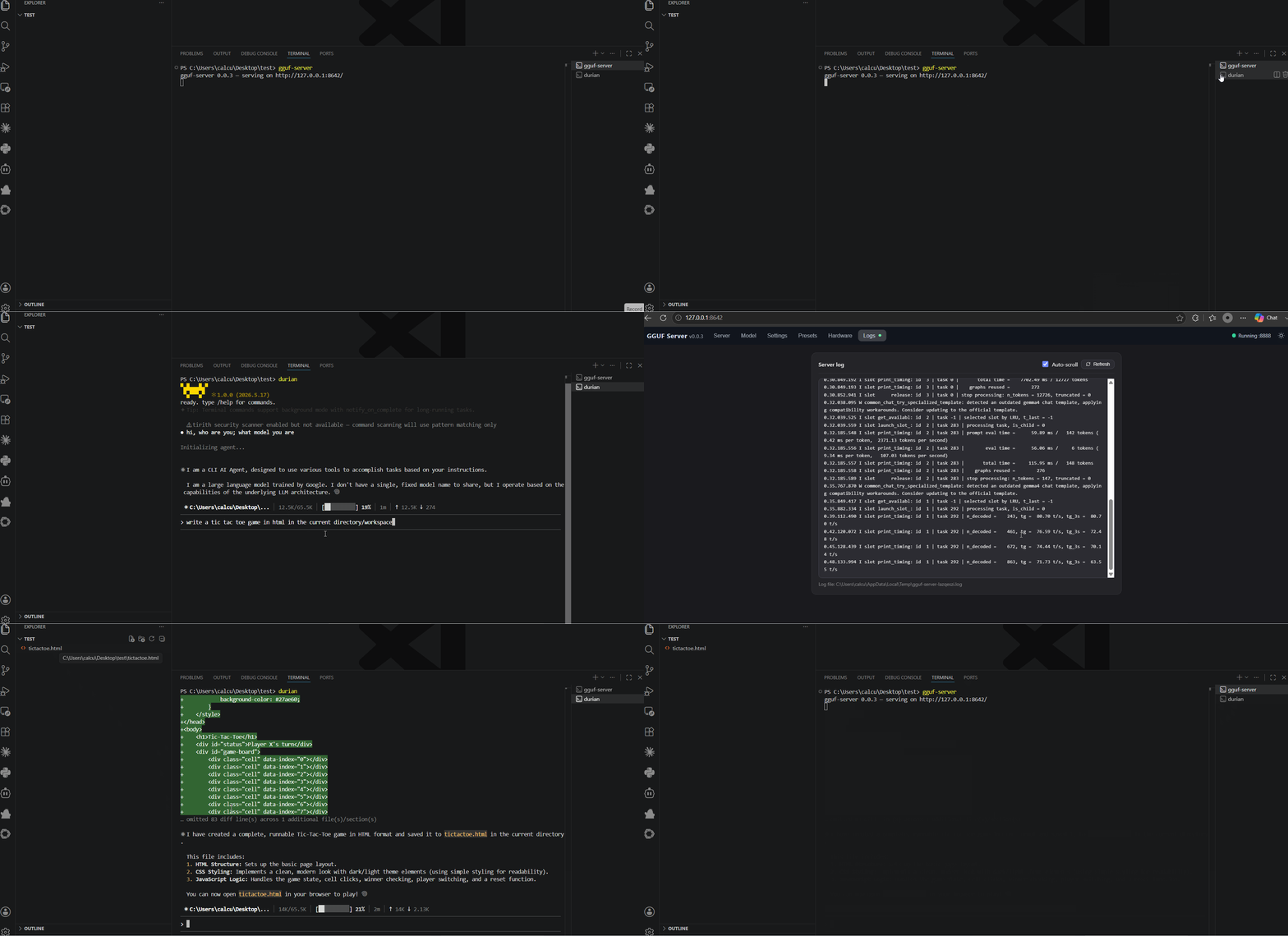
Launch your own mini LLM server to connect gguf, i.e., for vibe coding task (see below)
install via pip/pip3
pip install gguf-server
Building the bundled engine requires a C/C++ toolchain and CMake ≥ 3.15 (on
Windows: MSVC Build Tools). The engine source is resolved from the vendored
vendor/server copy (see scripts/vendor_engine.py), a sibling ../server
checkout, or GGUF_SERVER_ENGINE_DIR. That tree is self-contained — it carries
its own ggml kernels, GGUF runtime, common layer and HTTP server, with no
llama.cpp checkout and no external ggml — so the build compiles the server
binary and nothing else.
GPU and accelerator backends
The default build is CPU-only. Backends are opt-in and can be requested with
an environment variable or a CMake define — the env var is usually easier to
pass through pip:
GGUF_SERVER_CUDA=1   pip install gguf-server    # NVIDIA (needs the CUDA toolkit)
GGUF_SERVER_HIP=1    pip install gguf-server    # AMD (needs ROCm/HIP)
GGUF_SERVER_VULKAN=1 pip install gguf-server    # cross-vendor (needs the Vulkan SDK)

CMAKE_ARGS="-DGGUF_SERVER_CUDA=ON" pip install gguf-server   # equivalent
Available: CUDA, HIP, VULKAN, METAL. These are the kernels the engine
tree actually ships (vendor/server/kernels/src); the backends llama.cpp has
and this engine does not — SYCL, CANN, OpenCL, WebGPU, RPC, zDNN, ZenDNN,
OpenVINO, Hexagon, MUSA, BLAS — are simply absent. Each option maps to the
ggml option of the same name, and the finer-grained GGML_* knobs
(GGML_NATIVE, GGML_AVX512, GGML_CUDA_FA_ALL_QUANTS, …) can still be
passed straight through as -DGGML_<NAME>=…. On macOS, Metal is on by
default (with the shader library embedded in the binary) — no flag needed.
usage
enter GUI panel
gguf-server
connect the model file straight from CLI
gguf-server engine -- --model model.gguf
or run it with gguf-connector
ggc sv