Object Detection
ultralytics
TensorBoard
PyTorch
v8
ultralyticsplus
yolov8
yolo
vision
Eval Results (legacy)
Instructions to use adityaeucloid/YOLOv with libraries, inference providers, notebooks, and local apps. Follow these links to get started.
- Libraries
- ultralytics
How to use adityaeucloid/YOLOv with ultralytics:
from ultralytics import YOLOvv8 model = YOLOvv8.from_pretrained("adityaeucloid/YOLOv") source = 'http://images.cocodataset.org/val2017/000000039769.jpg' model.predict(source=source, save=True) - Notebooks
- Google Colab
- Kaggle
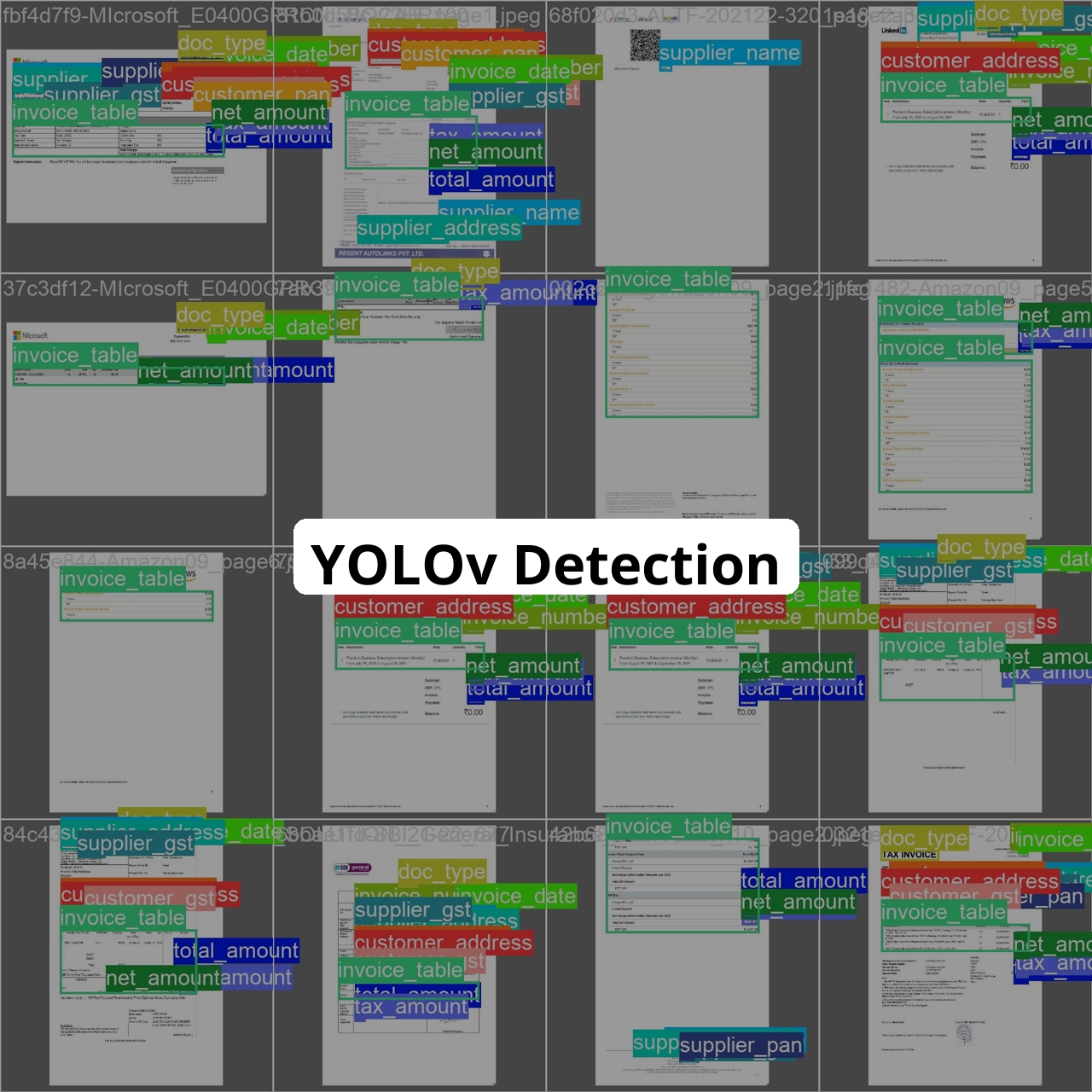
Supported Labels
['customer_address', 'customer_gst', 'customer_name', 'customer_pan', 'doc_type', 'invoice_date', 'invoice_number', 'invoice_table', 'net_amount', 'supplier_address', 'supplier_gst', 'supplier_name', 'supplier_pan', 'tax_amount', 'total_amount']
How to use
- Install ultralyticsplus:
pip install ultralyticsplus==0.0.29 ultralytics==8.0.238
- Load model and perform prediction:
from ultralyticsplus import YOLO, render_result
# load model
model = YOLO('adityaeucloid/YOLOv')
# set model parameters
model.overrides['conf'] = 0.25 # NMS confidence threshold
model.overrides['iou'] = 0.45 # NMS IoU threshold
model.overrides['agnostic_nms'] = False # NMS class-agnostic
model.overrides['max_det'] = 1000 # maximum number of detections per image
# set image
image = 'https://github.com/ultralytics/yolov5/raw/master/data/images/zidane.jpg'
# perform inference
results = model.predict(image)
# observe results
print(results[0].boxes)
render = render_result(model=model, image=image, result=results[0])
render.show()
- Downloads last month
- 7
Evaluation results
- mAP@0.5(box)self-reported0.035